
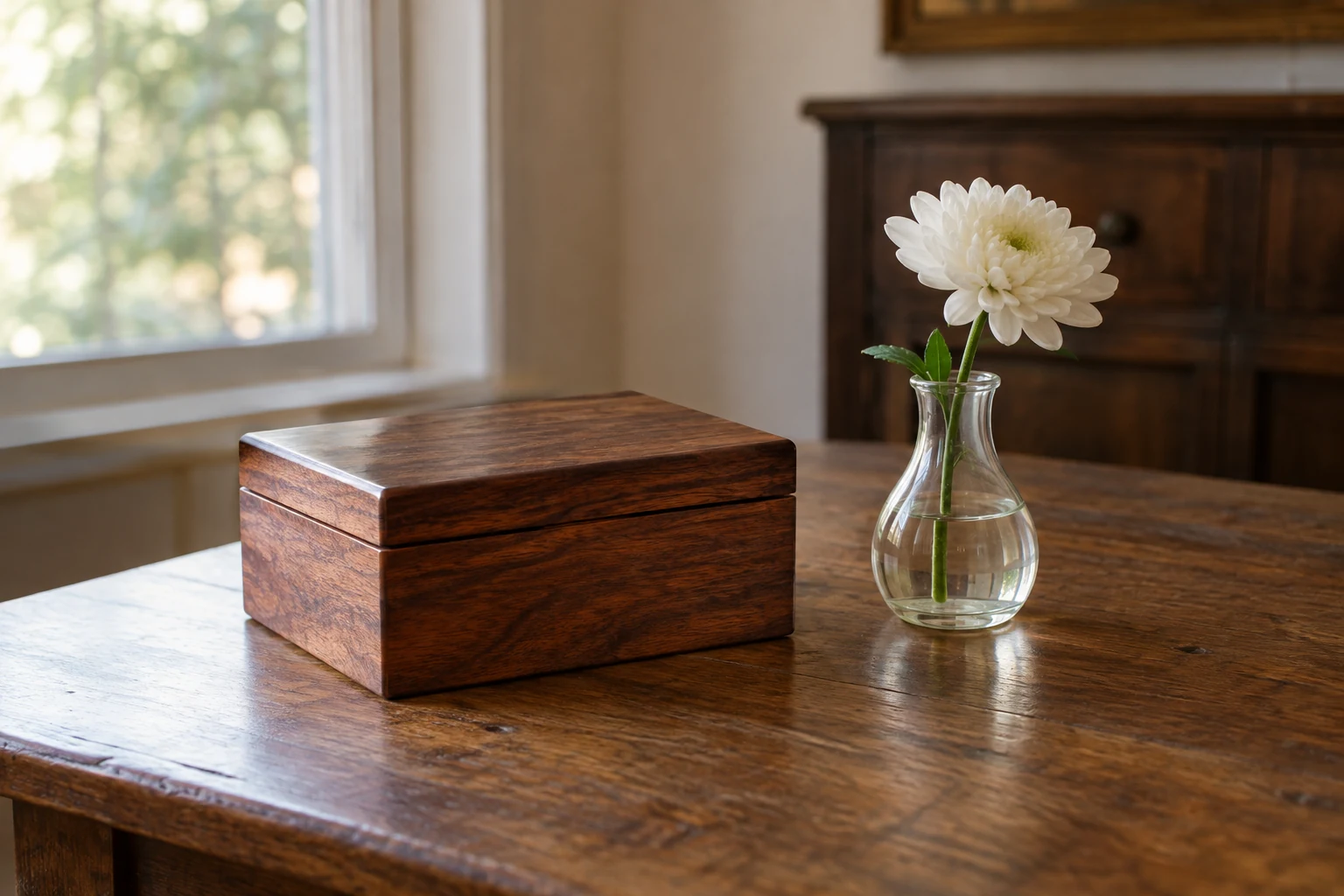
A small display, an agreed sharing boundary and a tested camera view are enough for a family remembrance call. You do not need to show every keepsake or hold a fragile photograph up to the screen. Decide together what may be seen, make the chosen items understandable from a distance, and give relatives ways to take part without speaking or appearing on camera.
Agree on the Call and What May Be Shared
Start with a simple invitation: who would like to join, when the call will happen and what the table is for. You might say that you plan to show a few photographs and objects while relatives share memories if they wish. That gives people a useful expectation without turning the call into a prescribed ceremony. Choose a length and time that feel manageable for those attending, including relatives in other time zones. If someone cannot join live, ask whether they would prefer to send a message or hear about the table afterward.
Before selecting items, ask the people taking part—and the owners of any photographs or objects—what may be shown. A photograph might be welcome on the table while the story behind it remains private. Someone may be comfortable with a first name on a card but not a full name visible to everyone on the call. Permission to show an item to invited relatives is not permission to circulate its image later. If you are unsure who can approve an item, leave it off the live display and use an agreed description instead.
Ask about recording as a separate decision before the call. Make clear that there can be a call without a recording, and that agreement to attend or to show a photograph does not, by itself, answer the recording question. If anyone proposes recording, settle what it would include, who could receive it and whether participants agree. Otherwise, plan for no recording. Keep the same boundary in mind if you consider taking or sending a still image of the table.
Child Bereavement UK’s memory-box guidance recognizes both keeping memories private and choosing to show them to family or friends. It does not set rules for a video call; asking these permission questions is a practical way for your family to preserve that choice.
Make opting out easy before anyone is on screen. For example: “I’m putting together a small table for Saturday. Would you like me to show the photograph of you and Mum, or would you rather I leave it out? You’re welcome to join just to listen.” Someone could also send a short note for another person to read, join without their camera, or make no contribution at all. Ask privately where possible, so declining does not require an explanation to the group.
Build and Test a Table the Camera Can Show Safely
Choose a steady table where the display can stay in place for the call. Set the camera or device on a secure support rather than relying on someone to hold it throughout. Then arrange only the approved items inside one simple view. A few objects with space between them are easier to distinguish on a small screen than a crowded collection. Check what sits behind and beside the table, too: a private photograph in the background can enter the frame even if you did not mean to display it.
Give remote viewers enough information to follow along without bringing every item close to the lens. Put a short, readable card beside an object, such as “Grandad’s garden notebook” or “Family picnic, 1998,” if those details have been approved for sharing. For an item with a longer story, the card might give only a name or a few words; the person hosting can explain the rest aloud. Write plainly and with enough contrast that a test viewer can read it on their own screen. If a card is too small, rewrite or reposition the card instead of assuming the viewer can zoom in.
Copies and written descriptions can do work that an original should not have to do. If a photograph is fragile, difficult to see from the table, or not approved for display, consider an approved copy or a card describing it. A card can also stand in for an object that is too awkward to position securely. Be precise about the difference between showing something and telling its story: approval for one does not automatically include the other.
The Library of Congress’s photograph-care guidance advises handling a photograph by its edges or housing materials whenever possible and limiting its exposure to light. For this call, the practical choice is to position an approved photograph once, where it can be seen without repeated handling. Do not keep passing a fragile original toward the camera to improve the view. Do not tape it into position or place it against a hot lamp. If the camera cannot show it clearly from a safe position, use a copy or a spoken description instead. These are choices for this temporary display, not a requirement to put originals on camera.
Use ordinary light that lets viewers see the cards and lets speakers see one another. Before moving an object to chase a brighter picture, look for glare on a photograph or a bright spot washing out the writing. You may get a more useful view by shifting the camera, card or light source while leaving the original where it is. Keep heat away from the displayed items. There is no single camera setting or lighting arrangement that every family needs; the remote view is what tells you whether this arrangement works.
Ask one willing participant to join a short test using the setup you expect to use for the call. Have them say whether they can read a card, tell the displayed items apart and hear a speaker at the table. Check that the camera support stays steady when someone sits down or speaks, and that both the display and any intended speaker remain in view. Ask the tester to notice anything private at the edges of the frame. If a name is unreadable, make a larger card; if an item is too small, describe it aloud or show an approved copy. Finally, test the audio while speaking from the position you will actually use. A beautiful table is less useful to distant relatives if they cannot hear the person explaining it.
Share the Table, Then Return Its Contents
At the start of the call, briefly say what is on the table and remind everyone of the sharing and recording plan. Give relatives a manageable way to take turns: perhaps the host introduces one item, then invites anyone who wishes to add a short memory or ask a question before moving on. Identify each new speaker by name, since someone listening by audio or looking at a small screen may not know who has begun talking. An invitation is enough; there is no need to call on every person.
Keep the participation options you offered before the call available during it. Someone can listen, contribute in writing, or ask another person to read their words. If a story unexpectedly touches on something the family did not agree to share, pause and move to an approved item rather than pressing for details. The table is there to help people follow the conversation, not to require anyone to speak about every object.
If the live view or connection fails, use an agreed still image or a description, if you have one, so relatives can continue without troubleshooting around fragile items. If neither works, arrange another date. A broken connection changes the plan; it does not make the time or care already given to the remembrance worthless.
Afterward, return photographs and objects to their usual safe places. Keep any useful story or ownership note with the appropriate item, so a later viewer knows which object it describes. Child Bereavement UK describes writing why an item matters as an optional memory-box practice; a family can borrow that idea for selected keepsakes without making a note for everything. If a recording was agreed to and actually made, place it in appropriate private storage and share it only within the boundary agreed beforehand.
The measure of this call is not whether the display looks perfect. A table people have agreed to share, a view they can use and room to participate in different ways make a sound plan—even when the plan needs to change.